ek33 Login: Get Back to the Game
Log in to your ek33 account with your registered mobile number and password. Access 4,600+ games, check your balance, claim bonuses, and withdraw your winnings — all from one place. Deposits process in 2 minutes via bKash, Nagad, Rocket, Upay, or Bank Transfer.
Log In to ek33
Enter your registered mobile number and password below.
How to Choose Your ek33 Login Method
ek33 supports three ways to log in. Each works with the same account; pick the one that fits your device and habit.
| Method | What You Need | Best For | Speed | Notes |
|---|---|---|---|---|
| Mobile Number + Password Recommended | Registered BD mobile number (01X XXXXXXXX) and account password | All players; fastest on mobile browser | Under 30 seconds | Use the same number registered during sign-up. Avoid spaces or country code. |
| Username + Password | Username chosen at registration and account password | Players who prefer a username over their phone number | Under 30 seconds | Username is case-sensitive. If you've forgotten it, use your mobile number instead. |
| ek33 App Login | Android 7.0+, ek33 App v3.3.5 (52 MB, free), account credentials | Regular players who want push notifications and faster page loads | Under 15 seconds with saved credentials | Download from ek33 App page. The app is not on Play Store — install directly from APK. |
All three methods access the same account, balance, and bonus wallet. You can switch between them at any time.
Step-by-Step: ek33 Login on Browser
Follow these four steps to log in on any phone or desktop browser. No app required.
-
1
Open the ek33 Login Page
Go to ek33.guru/ek33-login/ in your mobile browser or desktop. The page loads the login form immediately — no pop-ups or redirects. If you use Chrome on Android, you can tap "Add to Home Screen" for faster future access.
-
2
Enter Your Mobile Number
Type the 11-digit number you used when registering your ek33 account (e.g. 017XXXXXXXX). Do not include the country code (+880). Make sure there are no spaces. The field uses a numeric keyboard on mobile automatically.
-
3
Type Your Password and Submit
Enter your password exactly as set, including any uppercase letters or special characters. Use the eye icon to reveal the password if you're unsure. Tick "Remember me" to stay logged in on a trusted device. Then press Log In.
-
4
Land on Your Dashboard
After successful login, ek33 takes you to your account dashboard. You can see your balance, active bonuses, and the game lobby from here. First-time depositors will see the 125% welcome bonus banner — tap it to deposit via bKash or Nagad before you start playing.
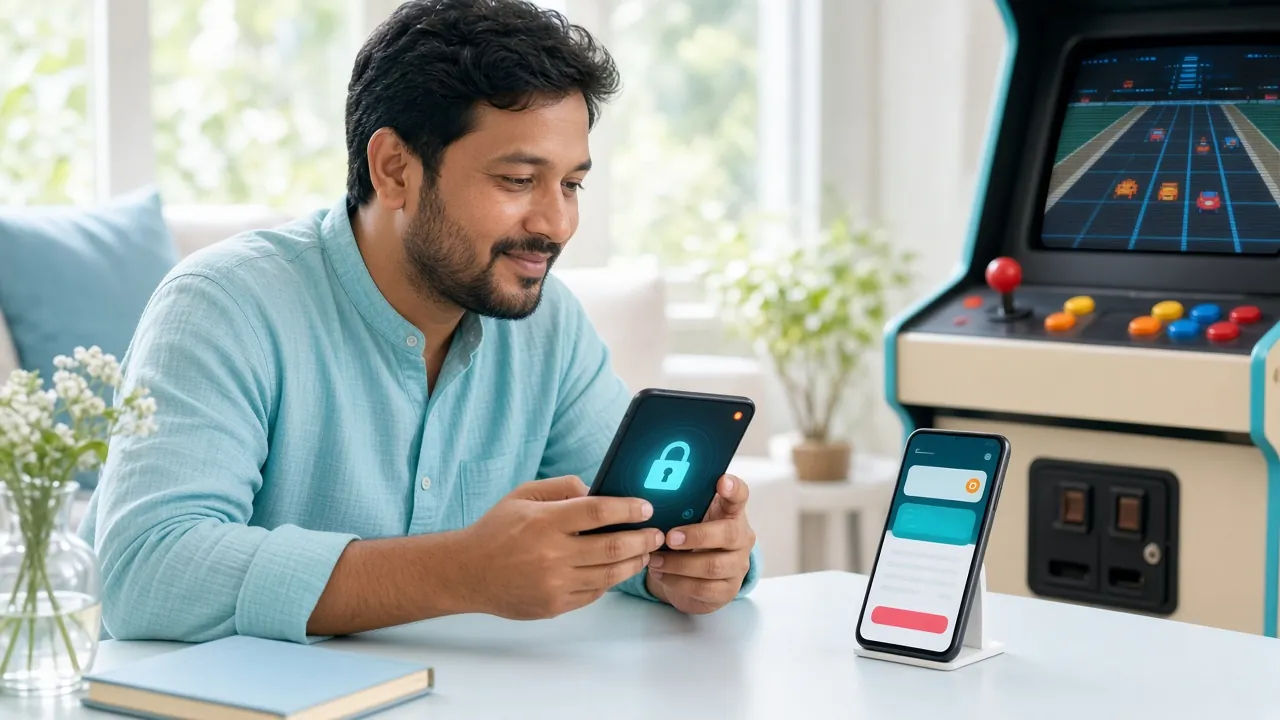
Prefer the app? The ek33 App v3.3.5 (52 MB) lets you stay logged in with biometric unlock. Download it here.
ek33 Login Problems: Causes and Fixes
If the login form shows an error, find your situation in the table below and follow the fix column before contacting support.
| Problem | Likely Cause | What to Do |
|---|---|---|
| "Incorrect mobile number or password" | Wrong number format, typo in password, or using a different number from registration | Re-type your 11-digit number without spaces or "+880". Use the eye icon to check your password. Passwords are case-sensitive — check Caps Lock. |
| Account temporarily locked | Too many failed login attempts (5+ in a row triggers a 15-minute lock) | Wait 15 minutes before trying again. Use the "Forgot password?" link to reset your credentials instead of guessing repeatedly. |
| Page won't load or spins forever | Slow mobile data, browser cache conflict, or VPN interference | Switch from mobile data to Wi-Fi (or vice versa). Clear browser cache. Disable any VPN — ek33 does not require one and it can block the connection. |
| OTP / verification code not arriving | Network delay (can take up to 60 seconds), or the number on record differs from the SIM in use | Wait 60 seconds and request a new code. Make sure your SIM is active and has signal. If still stuck, contact 24/7 Live Chat with your registered number ready. |
| "Your account is suspended" | Pending KYC verification, a reported security concern, or a breach of terms | Complete KYC with your National ID Card (NID), Passport, or Driving Licence. KYC review takes up to 6 hours. If you believe it's an error, contact Live Chat directly. |
| Logged out immediately after login | Browser blocking third-party cookies, or another active session on a different device | Enable cookies for ek33.guru in your browser settings. If you're logged in on another device, log out there first. Use the ek33 App for a more stable session. |
Keeping Your ek33 Account Safe
These five habits take under two minutes to adopt and significantly reduce the risk of unauthorised access to your account and balance.
Use a Strong, Unique Password
Your ek33 password should be at least 8 characters and include a mix of letters, numbers, and symbols. Never reuse a password from another app or site — especially not your bKash or Nagad PIN.
Only Log In from Your Own Device
Avoid logging in on shared or public phones. If you must use another device, untick "Remember me" and log out completely before handing the device back. The ek33 App on your own phone is the safest option.
Never Share Your Password
ek33 support staff will never ask for your password, OTP, or PIN in any chat. If anyone contacts you claiming to be ek33 and asks for your credentials, end the conversation and report it via Live Chat immediately.
Avoid Open Wi-Fi Networks
Logging in on public Wi-Fi (cafés, airports, waiting rooms) exposes your session to interception. Use your mobile data connection when accessing your ek33 account outside your home network.
Update Your Password Regularly
Change your ek33 password every few months via the account settings page. After changing, any active sessions on other devices will be logged out automatically — a useful security sweep if you think your account was accessed without permission.
ek33 Forgot Password: Three Steps to Get Back In
Lost access to your ek33 account? The password reset process uses your registered mobile number and takes about 2 minutes.
-
1
Tap "Forgot Password?" on the Login Page
On the ek33 login form, click the Forgot password? link in the bottom-right of the credential section. You'll be taken to the account recovery screen. Enter the mobile number you registered with — this is where the OTP will be sent. Make sure your SIM is active and has a signal.
-
2
Enter the OTP Sent to Your Mobile
ek33 sends a one-time code to your registered number by SMS. It arrives within 60 seconds. Enter the code in the verification field — do not close the tab. Codes expire after 5 minutes; request a new one if needed. If your number has changed, contact 24/7 Live Chat instead.
-
3
Set a New Password and Log In
Once verified, type a new password (minimum 8 characters, include at least one number). Confirm it in the second field and save. You can now log in with your mobile number and the new password. All active sessions on other devices are automatically ended for your security.
Prefer the ek33 App?
The ek33 App v3.3.5 for Android 7.0+ lets you save your login and use your fingerprint to get in faster. At 52 MB it's a quick download, and it's completely free.
Get the AppNo account yet? Register on ek33 and get a 125% welcome bonus on your first deposit — minimum ৳100.
ek33 Login Questions Answered
These are the questions ek33 players in Bangladesh ask most often about logging in.
Can I log in to ek33 on multiple devices at the same time?
Yes, your ek33 account can be active on more than one device. However, only one session per device is allowed at a time. If you log in on a second phone, the first session remains active unless the browser clears it. For security, avoid logging in on devices you don't own. The ek33 App on your personal phone is the most stable and secure option.
What should I do if my ek33 login keeps failing despite correct details?
First, double-check that you're entering the mobile number without "+880" or spaces. Clear your browser cache (Settings → Clear browsing data). Try a different browser or switch from Wi-Fi to mobile data. If the problem continues after three attempts, wait 15 minutes — repeated failures trigger a temporary lock. Then use "Forgot password?" to reset and try again, or reach out via 24/7 Live Chat.
Is there a way to log in to ek33 without a password?
Currently, the ek33 website requires your password every time. However, the ek33 App v3.3.5 on Android supports saving your credentials and using your phone's screen-lock or fingerprint after the first login. This isn't a passwordless login per se, but it removes the need to type your password on each visit. Download the app from the ek33 App page.
How long does ek33 keep me logged in before auto-logout?
Sessions on the browser expire after 30 minutes of inactivity by default. If you tick "Remember me" during login, your session extends to 7 days on that browser and device — provided you don't clear cookies. The ek33 App keeps you logged in indefinitely until you manually log out or change your password. Always log out if you share your device with others.
I registered with a mobile number I no longer use. How do I log in?
If you no longer have access to the SIM registered with your ek33 account, the standard OTP-based password reset won't work. Contact 24/7 Live Chat and provide your username, old number, and a government-issued ID (NID, Passport, or Driving Licence). The support team will verify your identity and help you update the number. KYC documents are reviewed within 6 hours.
Does ek33 have a login page in the app that works differently from the website?
The ek33 App uses the same mobile number and password as the website — there's no separate app-only account. The difference is in how the session is managed: the app keeps you logged in longer, supports saved credentials, and loads game pages faster. You can also receive push notifications about your withdrawal status (typically 4 minutes) and bonus updates. Grab it from the App download page.
Still need help?
ek33 support is available around the clock. The Live Chat team can reset your password, unblock your account, and verify your identity — usually within a few minutes.
Open Live ChatRelated pages: